Renting Switches and Network Gear for Events, Exhibitions, and Project Offices: How to Design a Temporary LAN That Stays Up
Automata Editorial
Expert Insights team
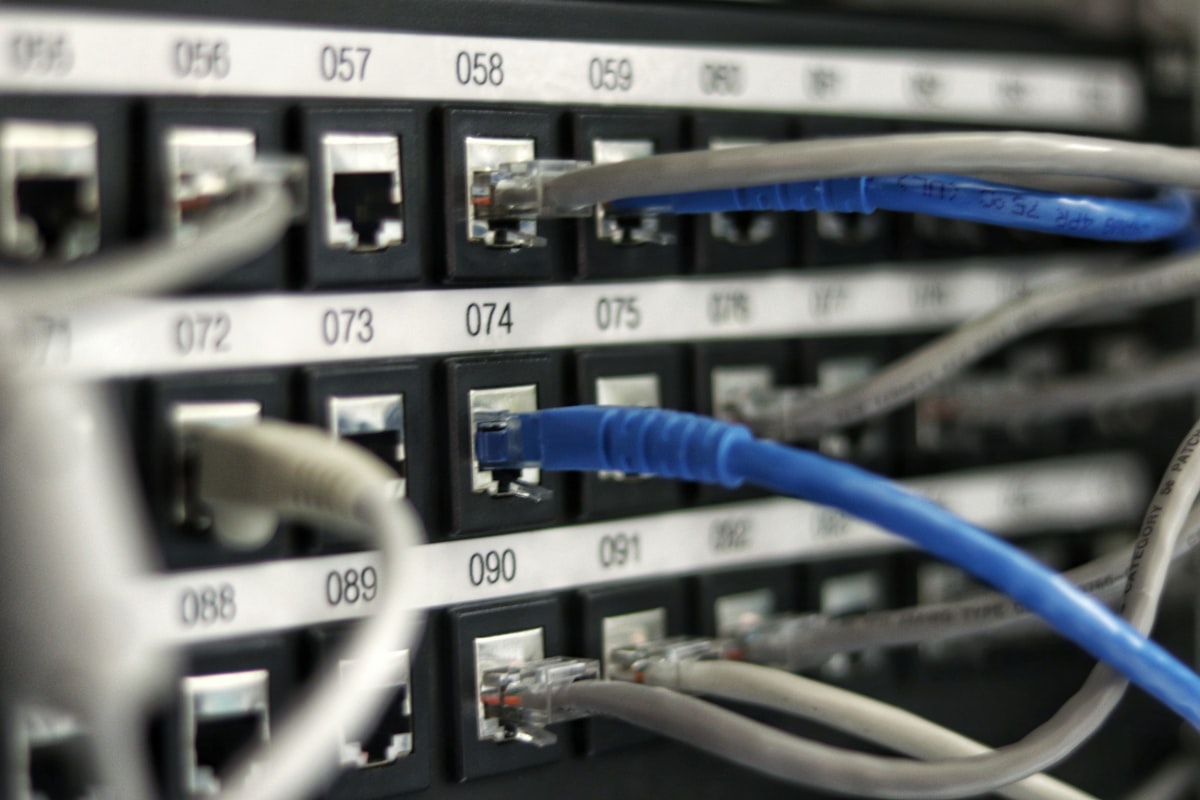
Event and project-office networks rarely fail for lack of internet. They fail on LAN design: the switch runs out of ports on day one, the PoE budget cannot power every access point, one stray cable loops a switch back onto itself, or registration desks share a segment with guest WiFi. Renting switches only makes sense when the temporary network is designed properly.
When Renting Network Gear Makes Sense
Rental fits time-bound needs whose size changes between engagements: events and seminars, exhibition booths, field project offices, computer-based exams on an isolated LAN, and temporary offices during relocation or renovation. Buying for a few days of use leaves equipment idle in storage.
Count Ports Honestly
Ports needed = wired devices + access points + PoE cameras and other PoE devices + uplink ports + spare capacity. Uplinks count twice, once on each switch. Spread the total across several 16, 24, or 48-port switches placed near each user group, so cables stay short and one failed switch takes down one zone instead of the whole venue.
Budget PoE Power, Not Port Count
PoE (IEEE 802.3af, up to 15.4 W per port; 802.3at, up to 30 W; 802.3bt, up to 60 or 90 W) is limited by the switch's total PoE budget, which can be smaller than ports times maximum wattage. Add up the datasheet consumption of each device and compare it to the switch budget.
Topology and Separation
- Use a star layout with a core switch and access switches per zone, not long daisy chains.
- Keep copper runs under 100 metres; use fibre or an intermediate switch beyond that.
- Enable loop protection such as STP where the switch supports it, label cables, and protect core switches with a UPS.
- Separate staff, registration or cashier, CCTV and PoE devices, guest WiFi, and any isolated exam servers. VLAN separation requires managed switches, so confirm the switch type when requesting a quote.
Internet and WiFi Capacity
Bandwidth = simultaneously active users × average need per user × headroom. Concurrent uploaders and live streamers weigh far more than people who merely browse. Do not rely on a single access point for a crowd; spread several, mount them high, and keep registration and payment devices wired. Renting LAN equipment and buying internet are separate items, so check what the quotation includes.
Schedule
A workable rhythm: site survey at D-14 to D-7, design freeze at D-7, off-site configuration and testing at D-3, installation, labelling, load test, and photo documentation at D-1, engineer on standby on the day, teardown and configuration reset at D+1. Adjust for scale.
Have a venue floor plan and a user estimate? See network equipment for rent, read about our network services, or request a quotation.
Topic Tags
Get Expert Insights
Join 500+ professionals who receive our weekly deep-dives into IT infrastructure.
Related Reads
Sep 19
Renting LED TVs and Monitors for Events, Exhibition Booths, and Meeting Rooms: Size, Connections, and Setup

Sep 23
Renting Document Scanners for Archive Digitisation Projects: When to Rent Equipment and When to Hire a Service
Sep 14