IT Checklist for a New Office or Branch: Network, Devices, Security, and Support
Automata Editorial
Expert Insights team
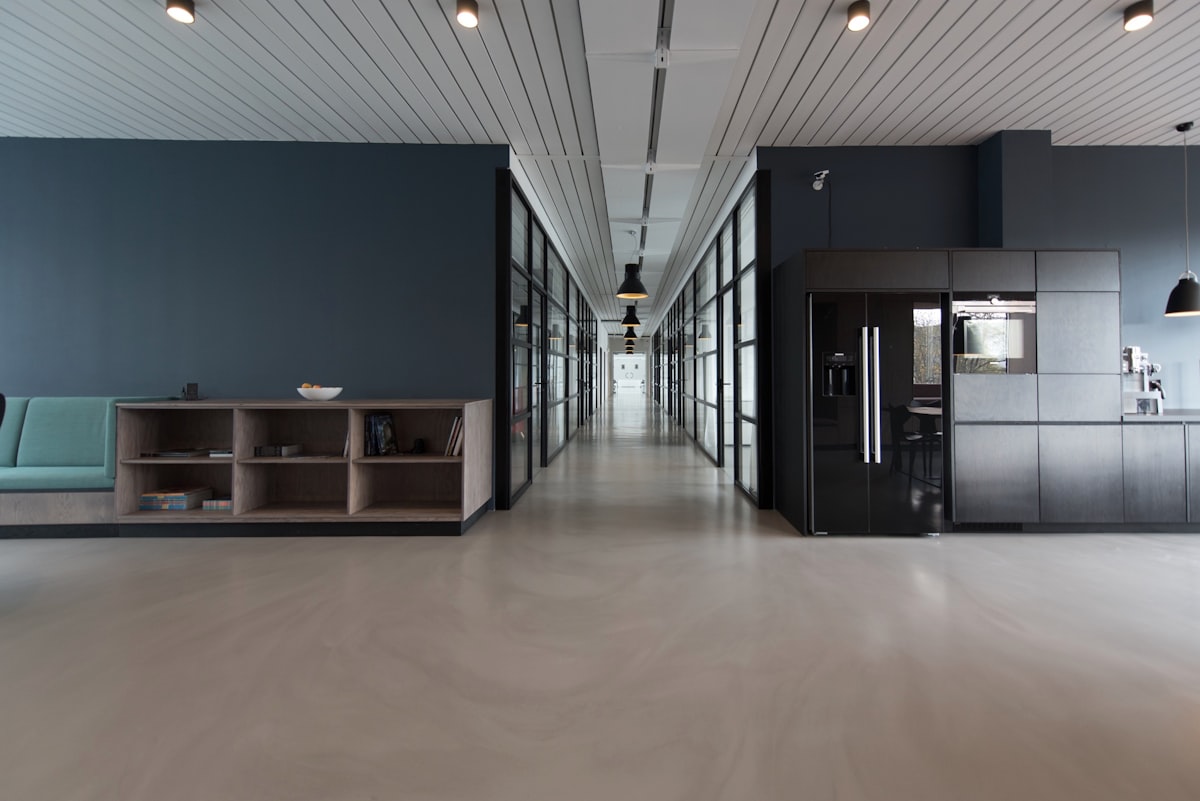
Many new offices are finished on time yet cannot be used because IT is late: no internet, cables not pulled before the ceiling closed, or no laptops when staff arrive. IT is often done last although some parts have the longest lead times and cost the most when done out of order. This is a checklist for a new office or branch.
Sequence: What Starts First
- Internet orders (ISP). Survey, installation, and building permits are outside your control, so start as soon as the site is confirmed.
- Network and structured cabling design. Pulling cable after walls and ceilings are finished is costly and damages civil work.
- Rack space, power, and cooling.
- CCTV and access control, which share cable routes with the network.
- Work devices (laptops, PCs, monitors, printers), ordered a few weeks before day one so they can be prepared and tested.
- Support, asset register, and user accounts, ready before the first person arrives.
Network Foundations
Consider two internet providers for offices that depend on connectivity. Size bandwidth from concurrently active users and the applications they use, not headcount. Provide a network point at every desk plus spares, keep copper runs under 100 metres, place access points from a survey, separate staff, guest, CCTV, and printer segments behind a firewall, and put the modem, router, firewall, and core switch behind a UPS.
Devices: Rent or Buy
A new branch has a typical uncertainty: how many people will work there. Renting laptops, PCs, monitors, and printers suits an uncertain headcount or a pilot office; buying suits a permanent office with a stable headcount. A mix per component is normal. Printers on rental keep print costs predictable with maintenance handled by the provider.
Security, Server Closet, and Support
Place CCTV at entrances, reception, storage, the server closet, and parking, and define retention and access rules because footage of faces is personal data. Give the server or network closet ventilation, UPS-backed power, a lock, and technician access. Set up a helpdesk with SLA, start the asset register on day one, prepare accounts before staff arrive, and schedule routine maintenance.
Acceptance Test Before Day One
Test internet speed in several areas under load, fail over to the backup line, check WiFi everywhere including meeting rooms, test and label every desk port, confirm printers work from all authorised computers, view CCTV remotely, verify access control and user accounts, and store the network diagram and device credentials safely. One coordinated vendor usually simplifies this; confirm that its scope is real, not just a brochure list.
Preparing a new office or branch? See our network, rental, CCTV security, and IT maintenance services, or contact us for a site survey.
Topic Tags
Get Expert Insights
Join 500+ professionals who receive our weekly deep-dives into IT infrastructure.
Related Reads

Sep 19
Renting LED TVs and Monitors for Events, Exhibition Booths, and Meeting Rooms: Size, Connections, and Setup

Sep 23
Renting Document Scanners for Archive Digitisation Projects: When to Rent Equipment and When to Hire a Service
Sep 18